Give the technical specs a small ledger under the gallery
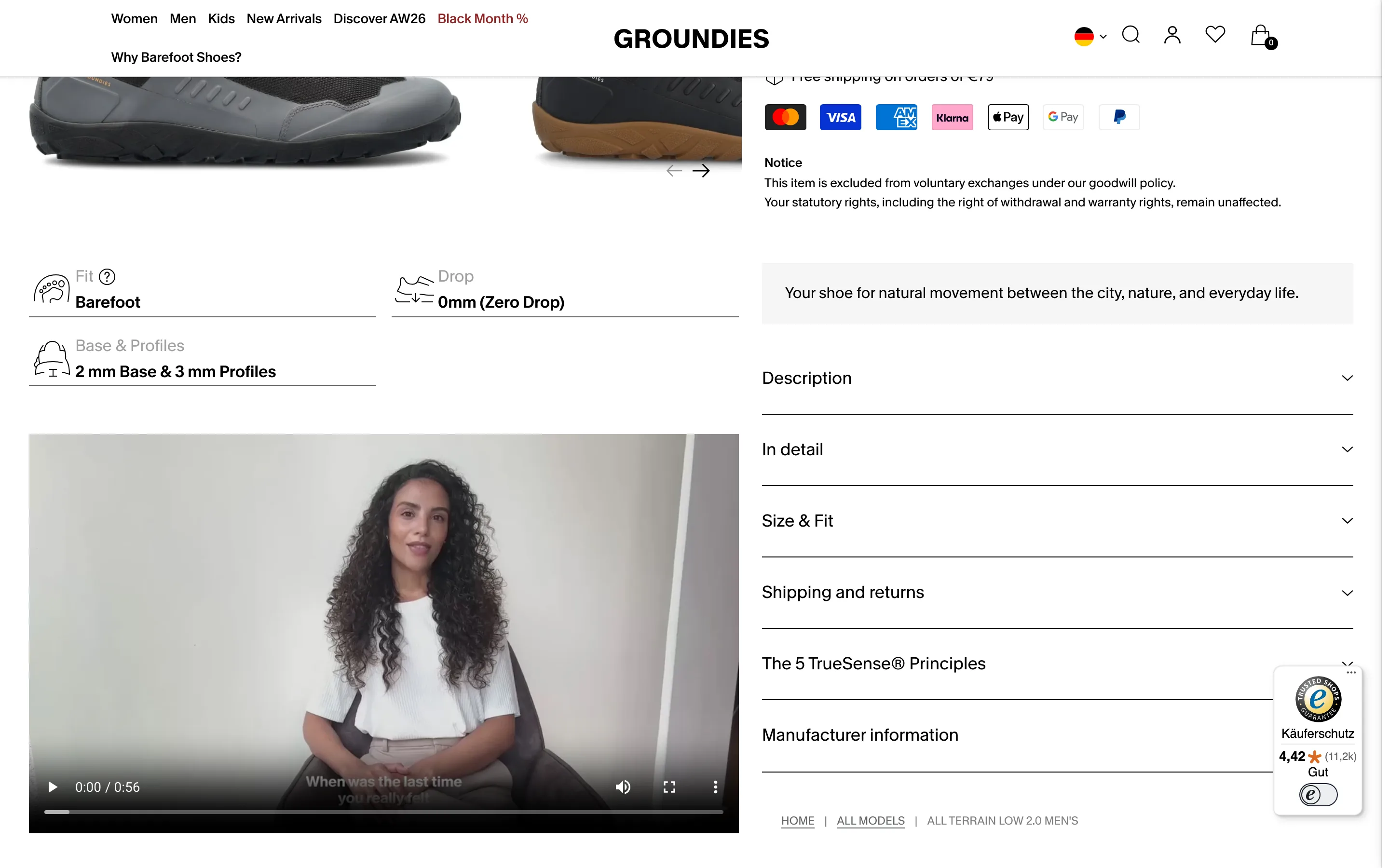
Fit, drop and sole build sit in a short ledger of icon and value rows under the images, so the specs a buyer compares on are visible without opening a tab.
What it is
Under the product images, a compact ledger lists the specs this category is bought on, each with a small glyph, a label and a value: Fit (Barefoot), Drop (0mm, Zero Drop), Base and Profiles (2 mm base and 3 mm profiles). A fit video follows, with the long description folded into accordions beside it.
Why it works
For a technical product the buyer already knows the three or four numbers that matter and is scanning for them. A ledger makes them findable in a second instead of buried in paragraph four of the description, and it lets the long copy fold away without hiding anything decisive.
How to test it
- Hypothesis
- Surfacing the decisive specs as a ledger under the gallery will lift add-to-cart rate for comparison shoppers versus specs held inside a description accordion.
- Primary metric
- Add-to-cart rate (product page sessions)
- Guardrail metric
- Accordion open rate on the description, to see whether the ledger replaces or adds to reading
Related ideas
Want this tested on your store?
We run the experiment, call the result honestly, and get paid on what it adds.
See the performance program